Video display ports explained
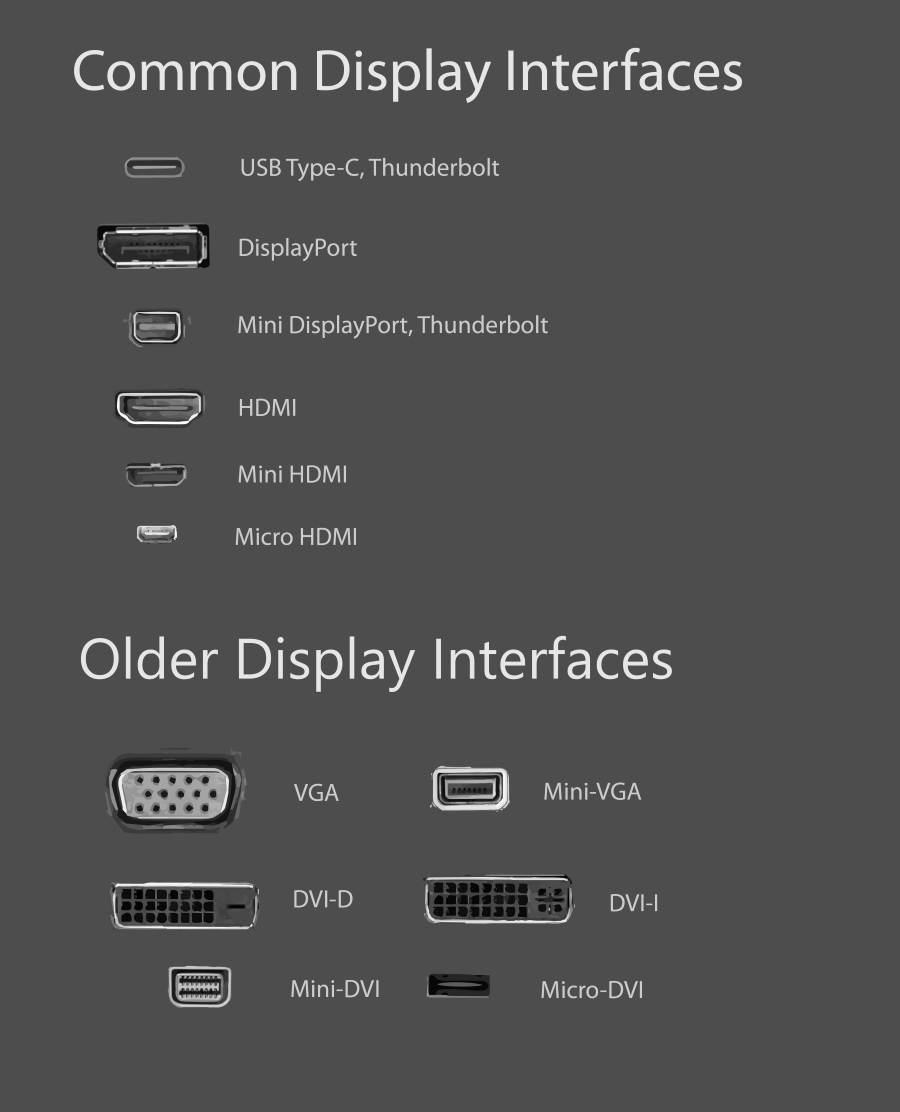
See below for an image map of popular video display ports.
Common Display Interfaces
PortDescription

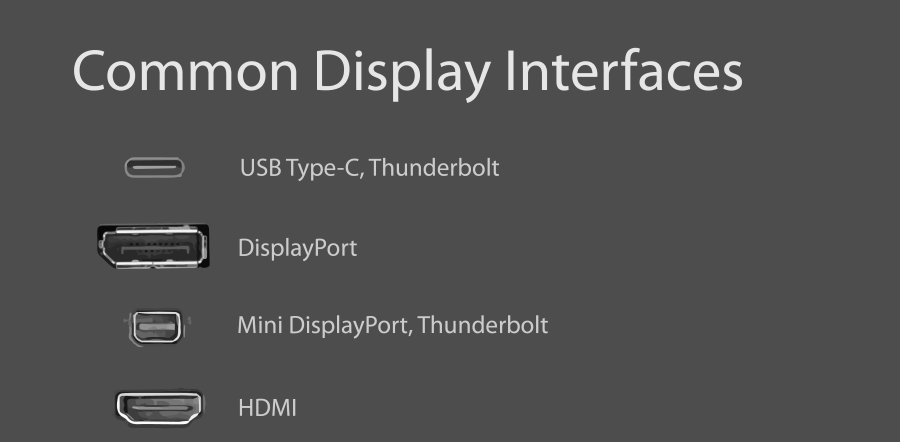
USB Type C, Thunderbolt (3)*Modern USB ports using the USB Type-C standard (pictured) are capable of both sending a display image and powering an external display (need to confirm specific monitor, port and cable are capable). Often found on modern laptops (e.g. HP EliteBook, MacBook Pro with Touch Bar) and monitors.Can also support the Thunderbolt 3 standard (but not all USB C ports are Thunderbolt 3 ports, see more here). Look for a lightning bolt logo next to the physical port.
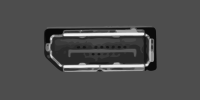
DisplayPortStandard port used to connect a desktop PC and a computer monitor since ~2010.
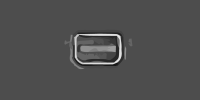
DisplayPort Mini, Thunderbolt (1 or 2)*A video out port found on many laptops, particularly Microsoft Surface devices & older MacBook devices. Uses the same video standard found in standard DisplayPort but with a smaller port.Can also support the Thunderbolt 1 or 2 standard (but not all DPm ports are Thunderbolt ports, see more here).

HDMIStandard video port found on TVs and peripherals, though also found on many laptops, PCs and monitors. Can carry video and audio. Can easily be used with a DVI-D or DVI-I adapter (not DVI-A).
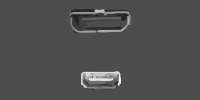
HDMI Mini (top), HDMI Micro (bottom)Occasionally found on older laptops and peripherals, e.g. digital cameras. Uses the same video standard found in HDMI but with a smaller port.
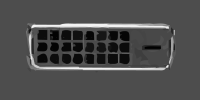
DVI-DCommon video port used to connect a desktop PC and a computer monitor. Replaced by DisplayPort and/or HDMI. Can easily be used with an HDMI adapter.DVI-D Dual-Link cables must be used for above 1920x1200 resolution.
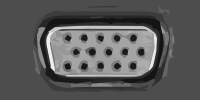
VGAOutdated common video port. Typically coloured blue.Superseded by DVI, then DisplayPort. Can only carry analog signal. Not recommended.
Learn more about video specs here.
Port Image Map