
Order
30 July 2026
Click on Orders to manage and review all the customer orders placed on the account.
This page shows you order details such as:
- Order Id;
- Ordered By;
- Ordered on (Date & Time);
- Status: order of status like success/in progress/ failed;
- Site Name (If applicable);
- Department Name (If applicable);
- Actions: See details of the order’s components.
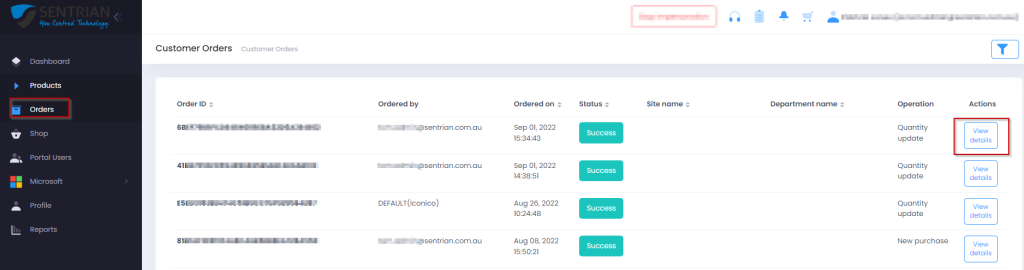
View Details will show you further details of the order including:
- Product Name;
- Error Message (If applicable);
- New Commerce Experience Tag (If applicable);
- Validity;
- Validity Type - Year/Month;
- Billing Cycle - Monthly/Annual/OneTime;
- Category - Commercial/Nonprofit/Academic;
- Quantity;
- Unit Price;
- Ordered (Date & Time).